What's new

Stay up to date with new features, improvements, and fixes.

Improvement

Faster AI, better optional item handling

We've upgraded our AI models for faster, more accurate results, and improved how optional items are handled in comparisons.

Faster AI, better optional item handling

AI model upgrades

We’ve rolled out major upgrades to how BidLevel generates breakdowns and extracts pricing. Breakdown generation now uses the latest OpenAI models, with the ability to scale up to more powerful models for larger packages. Price extraction has also been streamlined into a single, more capable agent with improved handling of GST and VAT.

The result is significantly faster performance (3–6x for extraction), better handling of complex bids, fewer missing line items, and reduced double counting.

Optional item handling

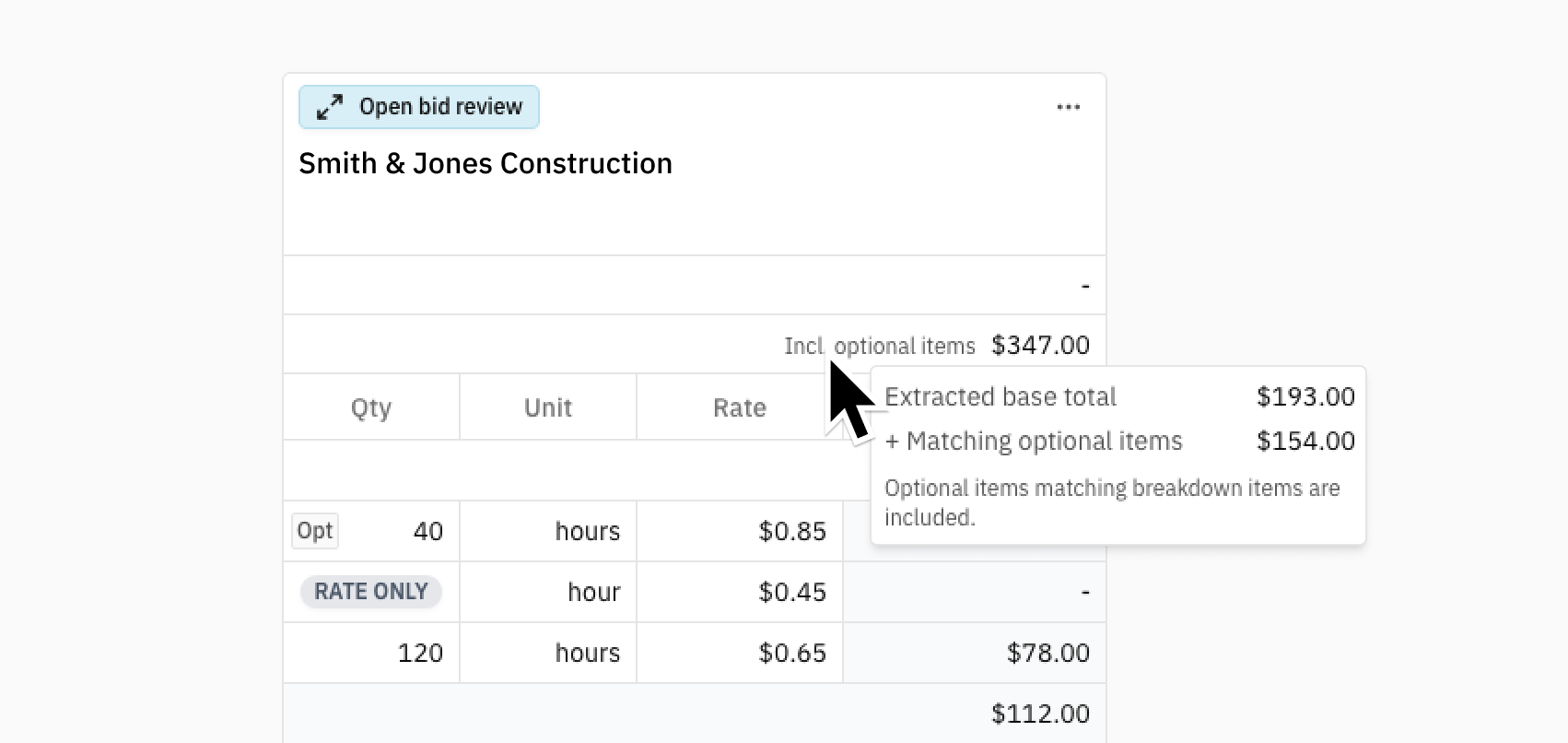
Items marked as optional in supplier quotes are now clearly identified in comparisons. Submitted totals exclude optional items, while extracted totals include them — with a tooltip showing the optional portion for full transparency.

New

Reorder bids, and Jump to PDF source

You can now reorder bids for cleaner comparisons and jump directly from any line item to its highlighted source in the original PDF.

Reorder bids, and Jump to PDF source

Bid reordering

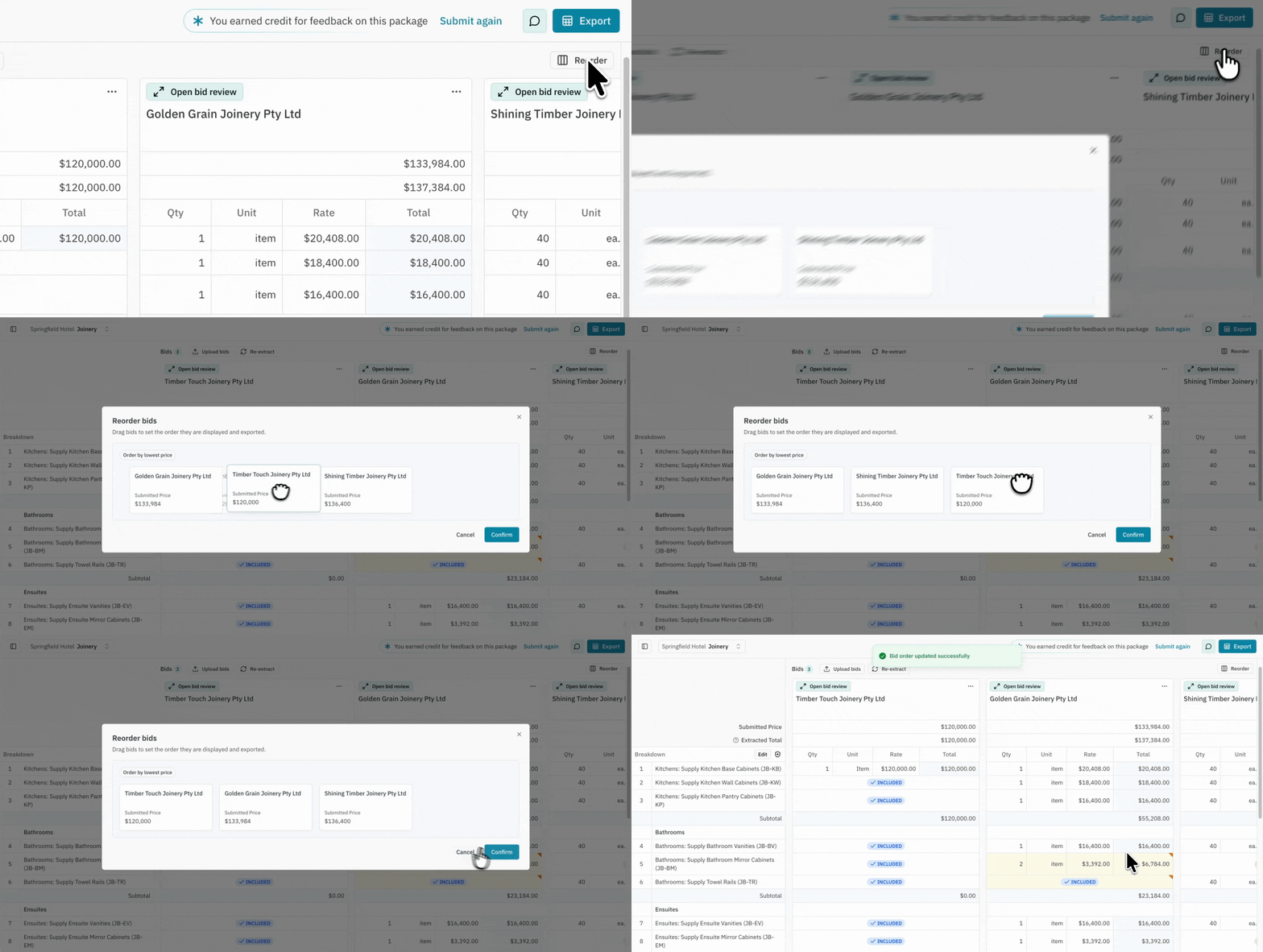
You can now arrange bids in the order you want for comparison. Place the bids you want to review side by side, or move complementary or higher-priced bids out of the way.

Click the Reorder button in the top right of the comparison page, then drag and drop bids to set your preferred order. You can also select Order by lowest price to quickly bring the cheapest bids to the front.

Jump to source

Jump to source

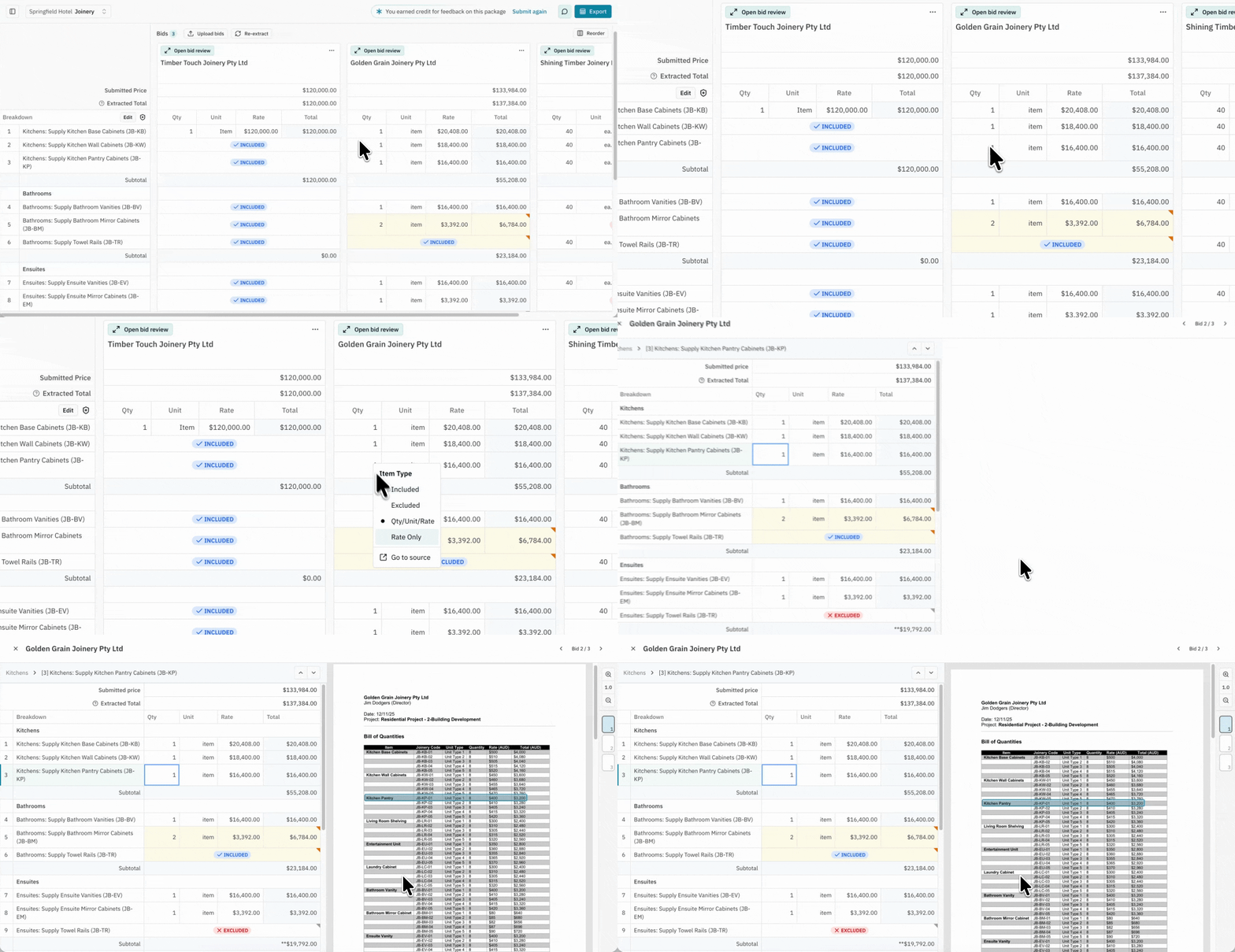
You can now navigate directly from a comparison line item to its highlighted source in the original PDF.

Right-click the item you want to review and select Go to source to jump straight to where it was extracted from.

Improvement

BidLevel's Excel export is now cleaner and easier to use

We've improved Excel exports to deliver cleaner formatting and easier transfer to other systems and spreadsheets.

BidLevel's Excel export is now cleaner and easier to use

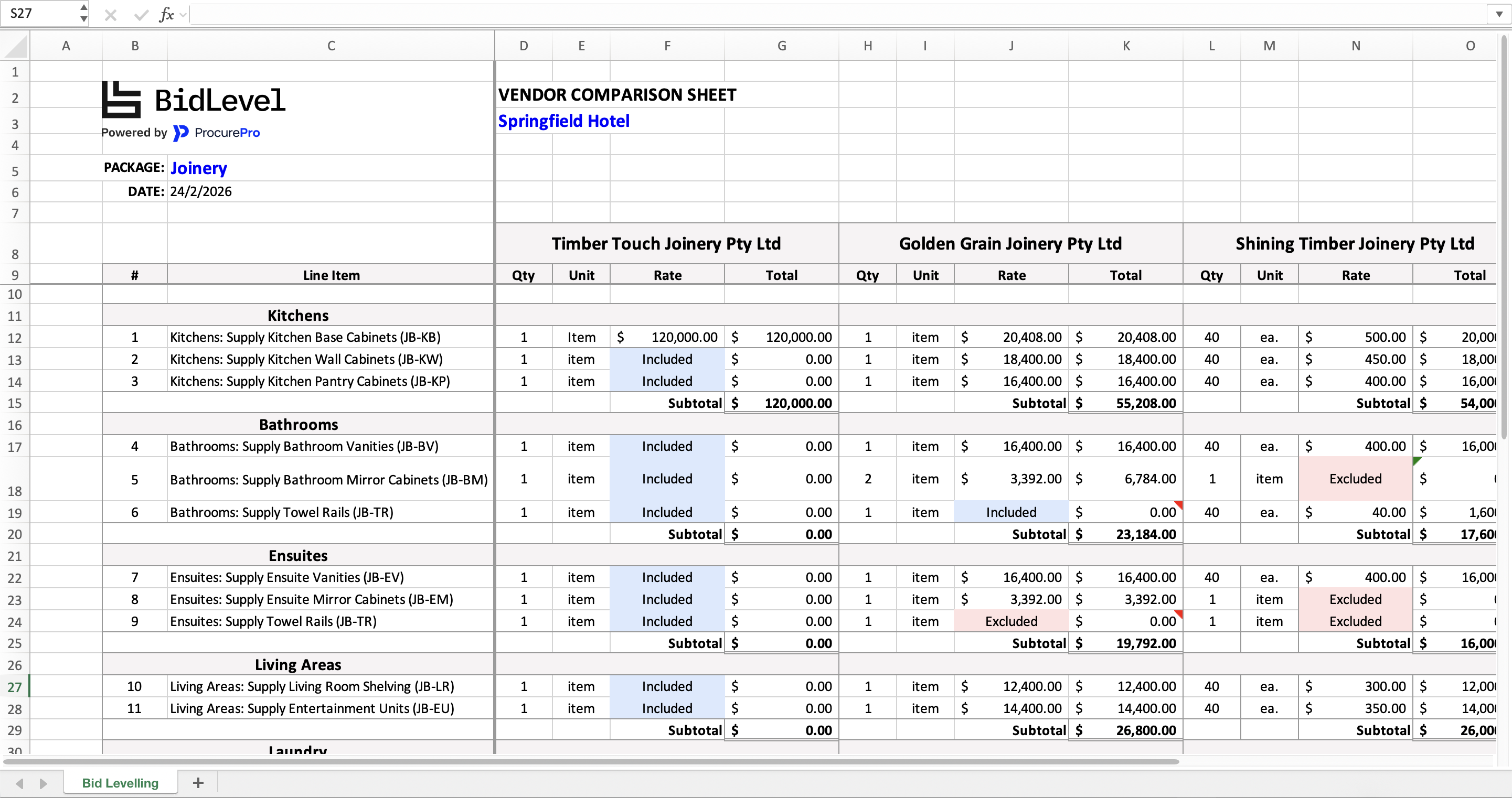
We’ve enhanced both the format and functionality of the BidLevel Comparison export. Subtotals now use the SUBTOTAL function, ensuring calculations remain accurate when filtering, and financial columns use standard Accounting formatting for consistency and clarity.

Exports also feature a cleaner layout with unnecessary spacing removed, clearer category and subtotal styling, and frozen rows and columns to keep breakdown and vendor details visible while scrolling.

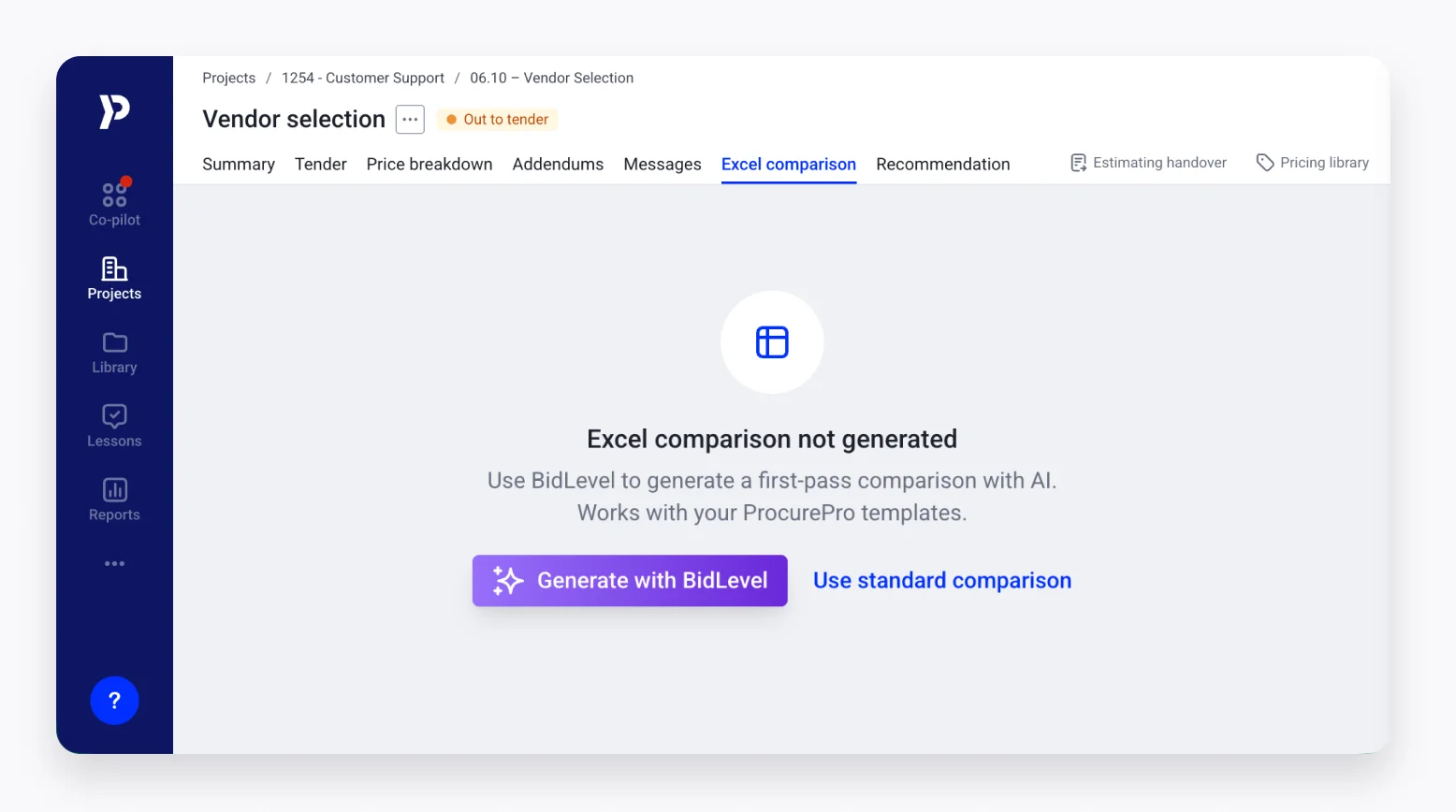
These improvements make sharing with stakeholders and moving between systems, including the ProcurePro Excel comparison, faster and more reliable.

Improvement

Excel upload support

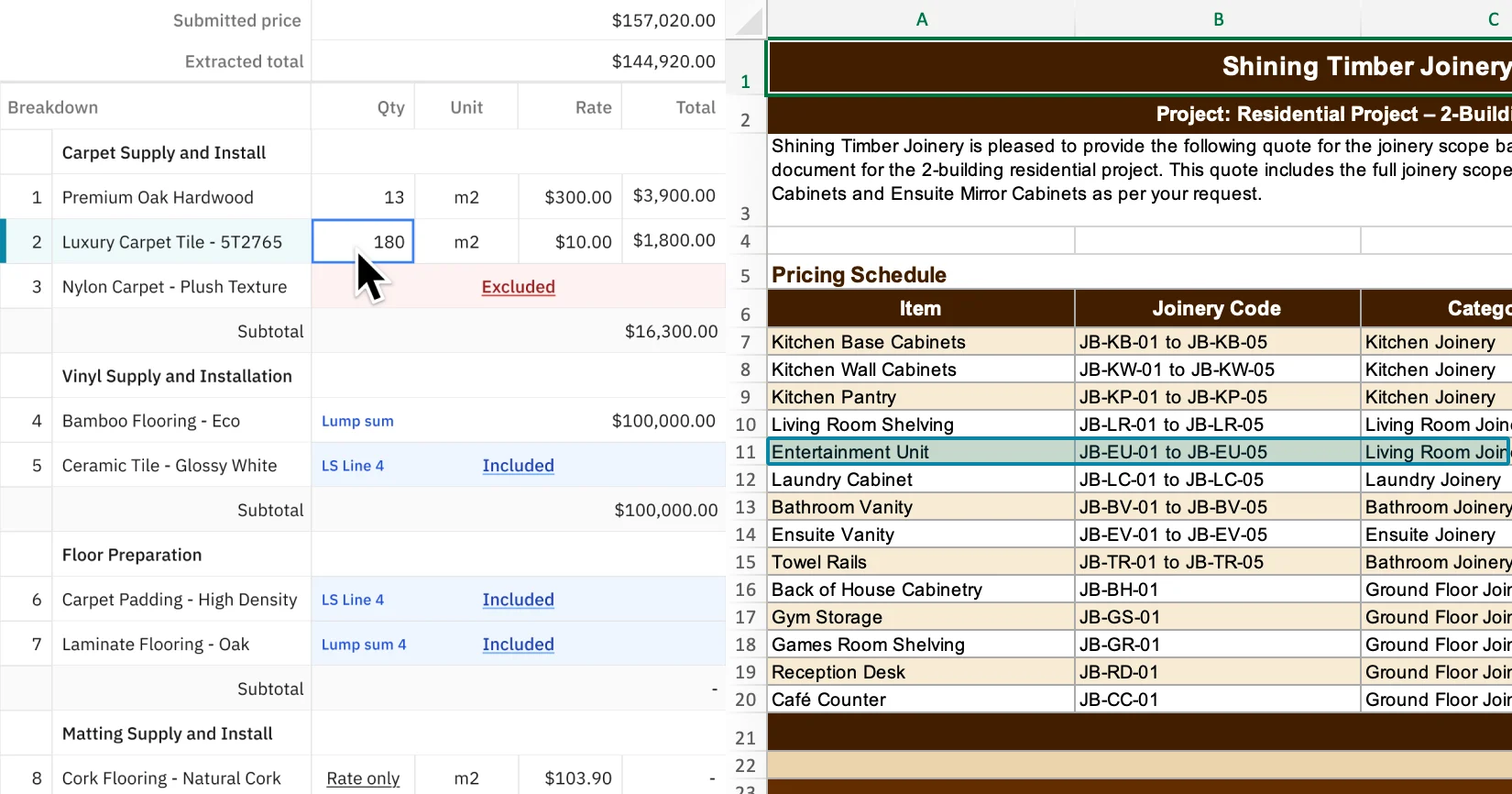
You can now upload vendor quotes in Excel format directly into BidLevel, with full spreadsheet extraction and in-app review.

Excel upload support

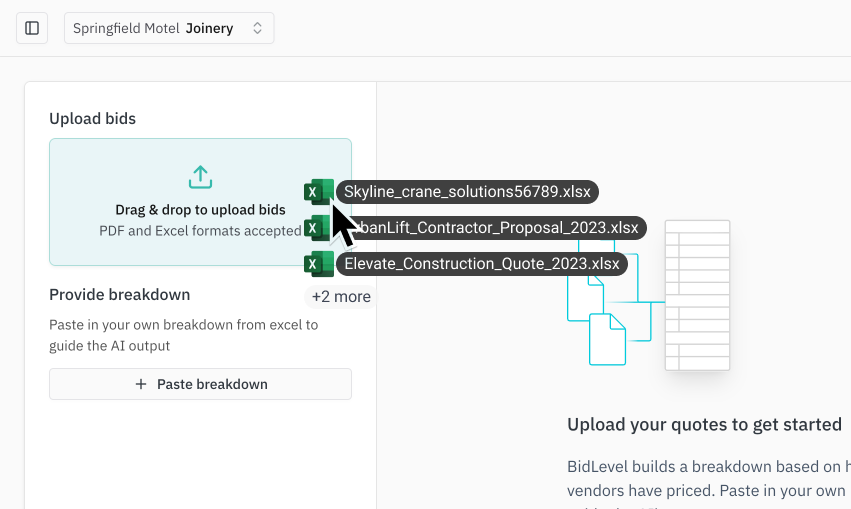
Vendor quotes often come as Excel files, and you can now upload them directly into BidLevel without converting to PDF first.

Simply drag and drop the file into the upload area as you normally would. BidLevel handles extraction across the entire workbook, including multi-sheet files.

Once processed, you can review the original Excel file inside BidLevel using the Side-by-Side Review screen. Source mapping is not currently supported for Excel uploads. If this is important to your workflow, we welcome your feedback.

Improvement

Reduced double-counting errors in AI extraction

We've significantly reduced double counting issues by adding an additional AI review layer to validate extractions before totals are calculated.

We identified an issue where, in some cases, the AI would count the same costs twice. This typically occurred when vendor quotes varied heavily in structure, which sometimes caused levelled totals to calculate incorrectly.

To address this, we introduced an additional AI validation step that reviews extractions before totals are finalised. This secondary check has reduced double counting occurrences to single-digit rates, and we are continuing to monitor and refine the remaining edge cases.

New

Run packages for free with credits earned through feedback and referrals

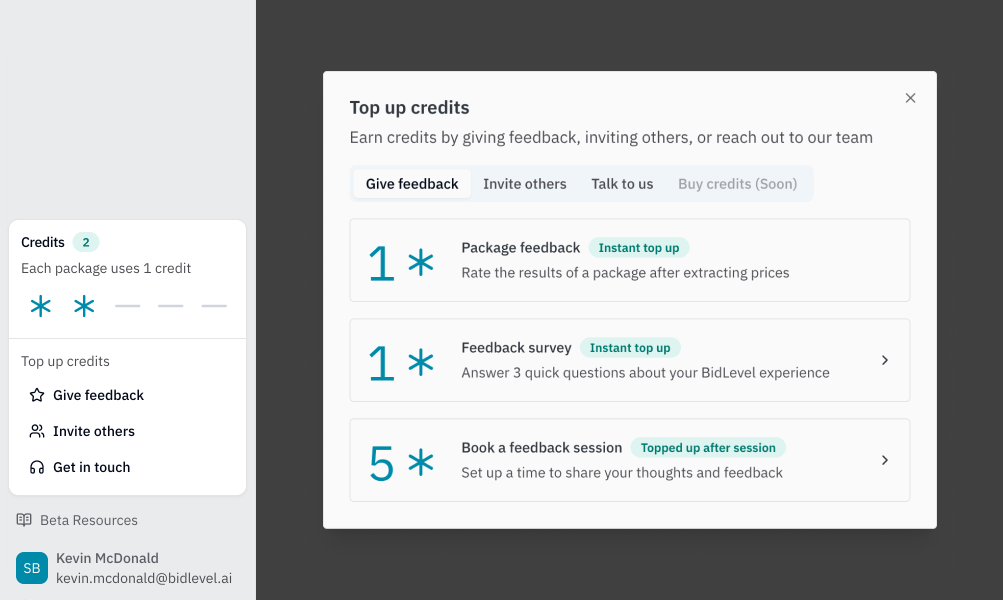
BidLevel now runs on a simple credit system during beta. One credit unlocks a full bid comparison package with unlimited AI, and every new user starts with 2 free credits.

Run packages for free with credits earned through feedback and referrals

We’ve introduced a simple credit system for BidLevel during beta. One credit unlocks one package — a complete bid comparison workspace with unlimited AI functionality. Once created, you can re-run extractions, adjust breakdowns, upload multiple vendor quotes, and export comparisons without using additional credits.

All new users start with 2 free credits, and credits do not expire during beta. If you run out, your existing packages remain fully accessible.

During beta, you can earn more credits by:

  • Completing in-app surveys or sharing feedback
  • Booking a feedback call (5 credits)
  • Inviting others (2 credits per signup)

BidLevel works as a standalone tool, your data is securely stored, and we’ll provide clear notice before any post-beta pricing changes.

Learn more

New

Edit extracted prices

You can now edit extracted prices directly in BidLevel. Adjust values, change item types, and export a fully updated comparison.

Edit extracted prices

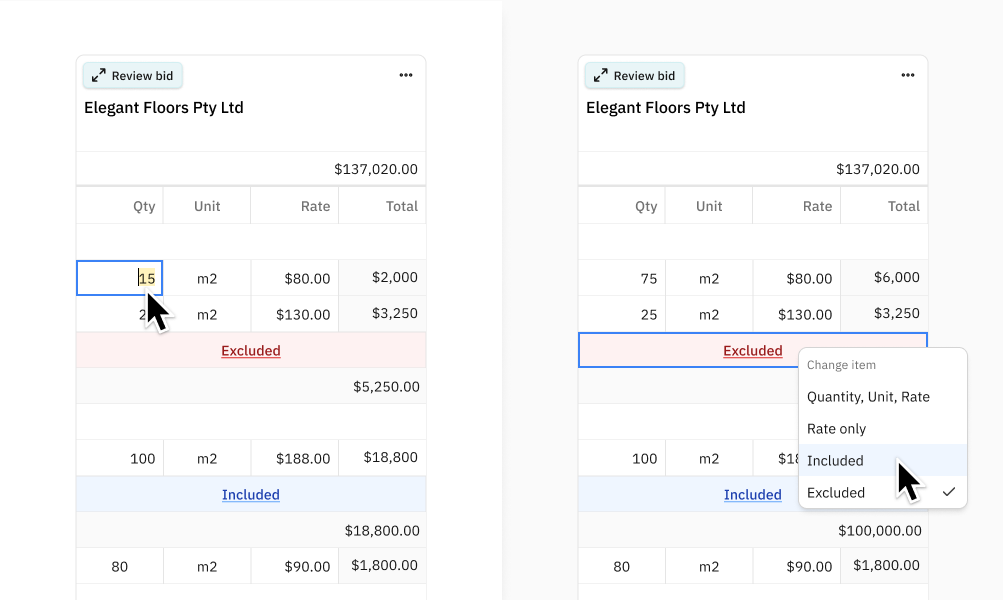
You can now edit extracted prices directly inside the comparison table and side-by-side review screen before exporting to Excel.

This supports the common “AI got 90% right, I’ll fix the rest” workflow, allowing you to update values or switch item types (Included, Excluded, Qty/Unit/Rate, or Rate Only) in just a few clicks. Totals and subtotals automatically recalculate when edits are saved.

Edited cells are clearly marked, and you can hover to see the original extracted value, any assumptions, when the edit was made, and a revert option. The original extraction is always preserved, and your manual edits are layered on top.

Edits can be reverted at any time. Excel exports reflect your updated values, with the original extraction included as a comment for reference.

Learn more

New

Review extracted prices side-by-side with the source PDF

Use Side-by-Side Review to see vendor quotes alongside the extracted prices, inclusions and exclusions

Review extracted prices side-by-side with the source PDF

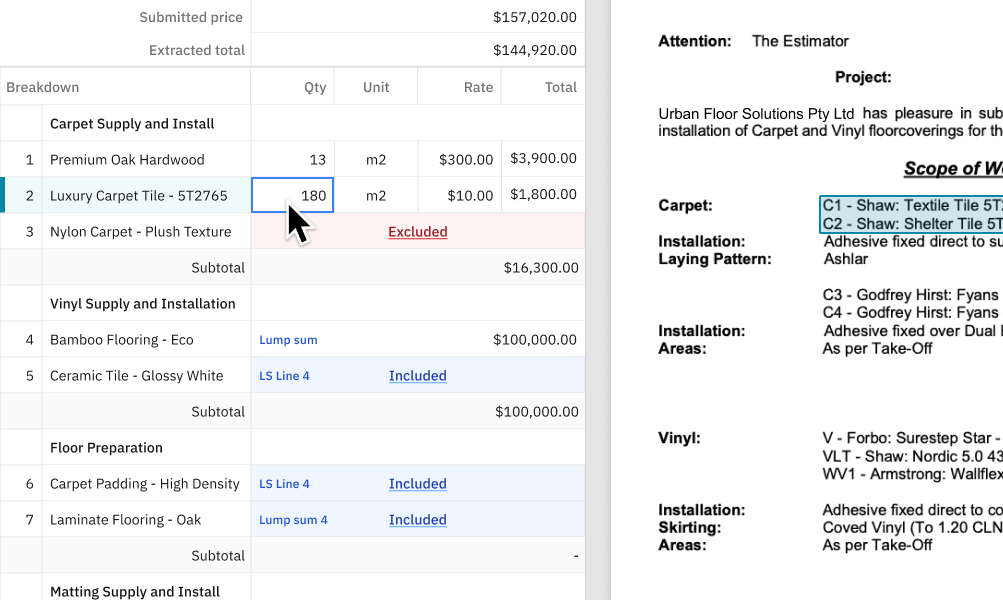
You can now review AI price extractions directly inside BidLevel using Side-by-Side Review mode.

Click the Open Bid Review button to access the side-by-side view. From there, you can compare extracted prices against the original quote document. The section of the document where each line item was extracted is highlighted, helping you quickly identify errors, understand how extraction decisions were made, and become more familiar with the bid content.

Use your Up and Down arrow keys to move between items and jump to the corresponding highlighted source. Hover over the triangle indicator in the top-right corner of a cell to view the AI assumptions that informed the extraction.

Learn more